
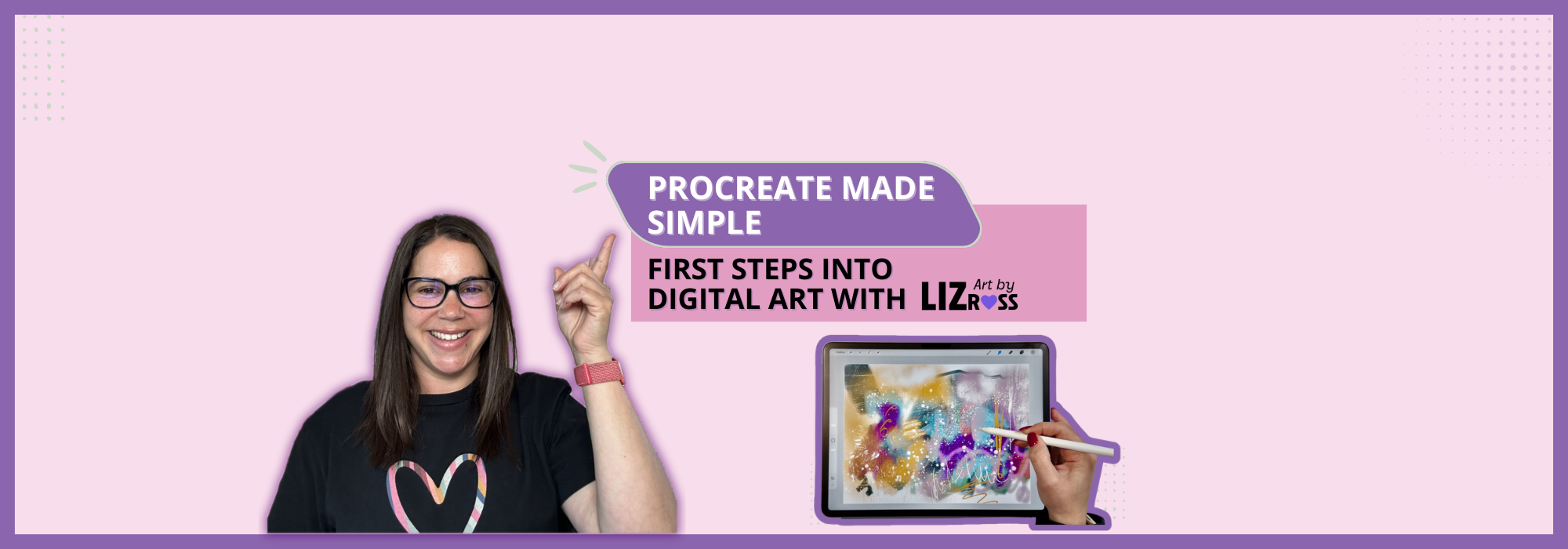
Procreate Made Simple
Welcome 🤗
I’m so glad you’re here.
This beginner‑friendly, 5‑module course was created to give you a gentle, confidence‑building start with Procreate - no pressure, no perfection, just simple steps and space to explore.
If you’ve been curious about digital art but felt overwhelmed by Procreate… you’re in the right place.
This starter course is designed for anyone who wants a simple, stress‑free way to get started without confusion, pressure, or information overload.
In just a few short lessons, you’ll learn the tools you actually need and create your very first piece of digital artwork.
Perfect for beginners. No stress. Just simple guidance and creative fun. You don’t need experience, just a calm place to begin, and that’s exactly what this course gives you.
I’m here with you every step of the way.
Liz 💜
Start Here 👇🏻
1. Begin with Module 1
Start with the first lesson, where you’ll find your Welcome Video and a gentle introduction to the course.
2. Download Your Resources
Inside some of the lessons you’ll find PDFs. Download these as you go so you have everything you need.
3. Join the Private Facebook Group
This is your supportive space to ask questions, share your progress, and connect with other beginners.
4. Move through the modules in order
This course is designed to be worked through in order. Each lesson builds gently on the last, so following the sequence will help you feel confident and supported.
5. Bookmark this page
You’ll return here often as you move through the course.
-
Module 1 - Welcome & Getting Started
-
1: Welcome to Procreate Made Simple!
Welcome - in this video I welcome you to Procreate Made Simple
-
2: Why I love Procreate!
Why I love Procreate and I think you will too!
-
3: What will I learn?
What you can expect from this course, what the course covers and what you will learn.
-
4: Getting Started
How to find, download and open the Procreate App.
-
5: Setting up your Canvas
Learn how to set up your canvas in Procreate. Use a custom canvas or one already provided in the app.
-
6: Basic Tools Overview
Familiarise yourself with the location of the tools and the Procreate interface in this quick overview.
-
-
Module 2 - Essential Tools
-
1: How to use the Brush, Smudge & Eraser Tools
Learn more about the brush, smudge and eraser tools. How to use them and what effects they can create.
-
2: Exploring Brushes
Explore the Procreate brush library in this in-depth video, demonstrating various brushes and how to use them.
-
3: The Smudge/Blending Tool
In depth tutorial into the smudge/blending tool. How to use it and what effects can be achieved with it..
-
4: Eraser Tool
In depth tutorial into the eraser tool. How to use it and what effects you can achieve with it.
-
5: Intro to Layers
Introduction to the layers menu. How to use layers in your artwork, what they do and how you can make the most of them.
-
-
Module 3 - Quick Tips for Success
-
Module 4 - Creative Project
-
Welcome to Module 4
-
1: Importing a photo as a Starting Point
Learn how to import photos of your artwork to use as a starting point for this project - Create your own Affirmation Artwork
-
2: Custom Colour Palette
-
3: Lets Create
-
4: How to import a file
-
5: Using an imported file in your artwork
-
6: Adding Affirmations with cut and paste
-
7: Saving and Exporting your work
-
8: BONUS: Adding text
-
Wrapping up your creative project
-
-
Module 5 - Wrapping Up & Next Steps
-
Bonus Masterclass